
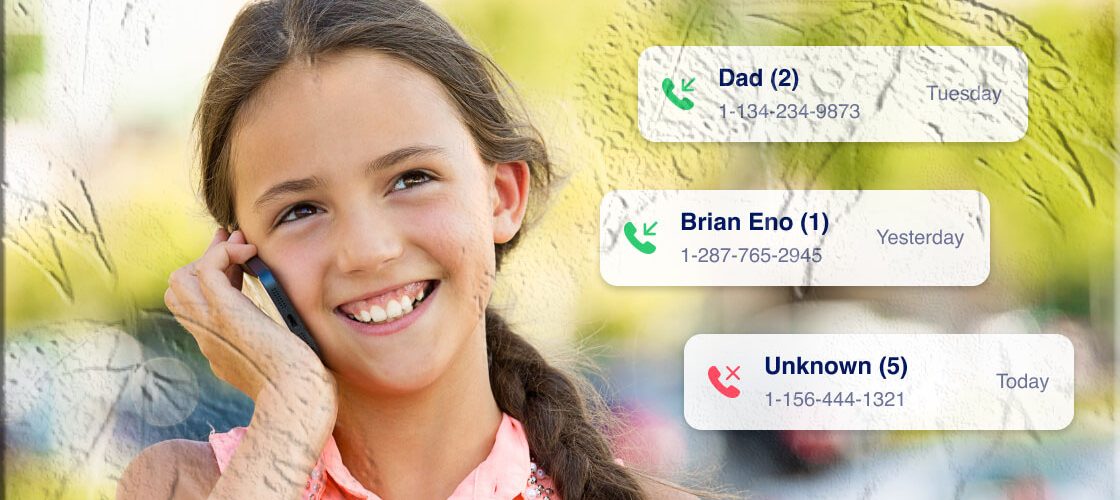
Monitoring who your child talks to by phone can feel necessary and complicated at the same time. This guide explains how call monitoring works, what information you can expect to see, how to set it up responsibly with AppSpyFree, and how to use the data to protect and guide your child. It focuses on practical steps, legal and ethical considerations, and clear troubleshooting so you can make informed choices that balance safety and trust.
What Call Monitoring Does and Why Parents Use It
Call monitoring gives parents a structured view of a device’s phone activity. Typical data includes incoming and outgoing call logs, timestamps, call durations, and caller identifiers when available. Parents use this information for several reasons:
- Safety checks: Identify repeated calls from unknown or suspicious numbers that could indicate harassment or grooming.
- Behavioral patterns: Spot late‑night calling or unusually long conversations that affect sleep, school performance, or wellbeing.
- Contact verification: Confirm whether a child is communicating with people the family has approved.
- Evidence collection: Preserve records if a situation requires escalation to school officials or law enforcement.
Call monitoring is a tool to support conversations and interventions, not a substitute for communication and guidance. Use it to inform discussions, set boundaries, and teach responsible phone use.
What AppSpyFree Can Provide (Overview)
AppSpyFree is referenced here as the product name used in this guide. Many parental monitoring platforms with call‑tracking features provide the following capabilities:
- Chronological call logs showing incoming and outgoing calls.
- Caller identification including phone numbers and saved contact names when available.
- Timestamps and durations for each call to understand when and how long conversations occurred.
- Remote access to call history via a secure web dashboard or control panel.
- Cross‑reference with messages and app activity so you can see follow‑up texts or social app conversations related to a call.
For details about an app’s official store listing, installation instructions, and feature set, search for AppSpyFree on Google Play or the Apple App Store and review the developer’s listing and documentation. The app store listing is the authoritative source for availability and technical requirements.
Legal and Ethical Considerations
Before installing any monitoring solution, understand the legal and ethical landscape:
- Ownership and consent: Laws vary by country and region. Parents commonly have the right to monitor devices they own or devices used by minor children, but local regulations and workplace or school policies may impose limits.
- Transparency with older children: For teens, discussing monitoring openly helps preserve trust. Explain what will be monitored, why, and how long monitoring will remain in place.
- Purpose limitation: Use monitoring to address specific safety concerns rather than as a permanent surveillance measure.
- Data protection: Treat collected data as sensitive. Limit access to trusted adults and secure account credentials.
- Third‑party privacy: Messages and calls involve other people; handle their information responsibly and avoid sharing private conversations unnecessarily.
If you are unsure about legal boundaries, consult a local legal professional. Responsible use protects both your child and your family’s privacy.
How Call Monitoring Works (High Level)
Call monitoring solutions typically follow a common technical pattern:
- Authorized installation: The monitoring app is installed on the device to be monitored with the account holder’s permission or under lawful parental authority.
- Permission granting: The app requests access to call logs and related permissions so it can read and collect call metadata.
- Data collection: Call records (numbers, timestamps, durations, contact names) are collected locally on the device.
- Secure upload: Collected data is encrypted and uploaded to a secure server or cloud service.
- Control panel access: Authorized users log into a web dashboard to view call history, filter records, and export or preserve evidence if needed.
Exact behavior depends on the device operating system (Android or iOS), the app’s design, and the permissions granted during setup.
Preparing to Use a Call Monitoring Solution
Before you begin, gather the essentials and prepare both devices:
- Confirm device ownership or permission. Ensure you have the legal right to install monitoring software on the target device.
- Charge devices and connect to Wi‑Fi. A stable connection and sufficient battery reduce setup interruptions.
- Create a secure account. Use a strong, unique password and a dedicated email address for the monitoring account.
- Review device settings. On Android and iOS, check permission settings and any manufacturer or carrier restrictions that could affect data collection.
Planning ahead reduces friction during installation and helps ensure the monitoring solution functions reliably.
Step‑by‑Step Setup (General Workflow)
The following is a responsible, general workflow for setting up call monitoring with AppSpyFree or a similar platform. Follow the official app store listing and developer instructions for exact steps.
1. Register an account
- Sign up using a secure email address.
- Complete any verification steps required by the service.
2. Install the monitoring app on the target device
- Download the app from Google Play or the Apple App Store if available.
- Follow the developer’s installation instructions precisely.
- Grant the permissions the app requests for call log access and related features.
3. Pair the device with your control panel
- Use the app’s pairing method (code, QR scan, or account login) to bind the target device to your monitoring account.
- Confirm the device appears in your dashboard.
4. Configure data collection settings
- Choose which data types to collect (call logs, messages, app activity).
- Set notification preferences for alerts (unknown numbers, repeated calls, long durations).
5. Verify operation
- Make a test call to confirm the call appears in the dashboard with correct timestamps and duration.
- Check media and message cross‑references if those features are enabled.
6. Maintain and update
- Keep the app and device operating systems updated.
- Periodically review permissions and account access.
- Change passwords and enable two‑factor authentication where available.
Following the official store listing and developer documentation ensures compatibility and compliance with platform rules.
What You Will See in the Dashboard
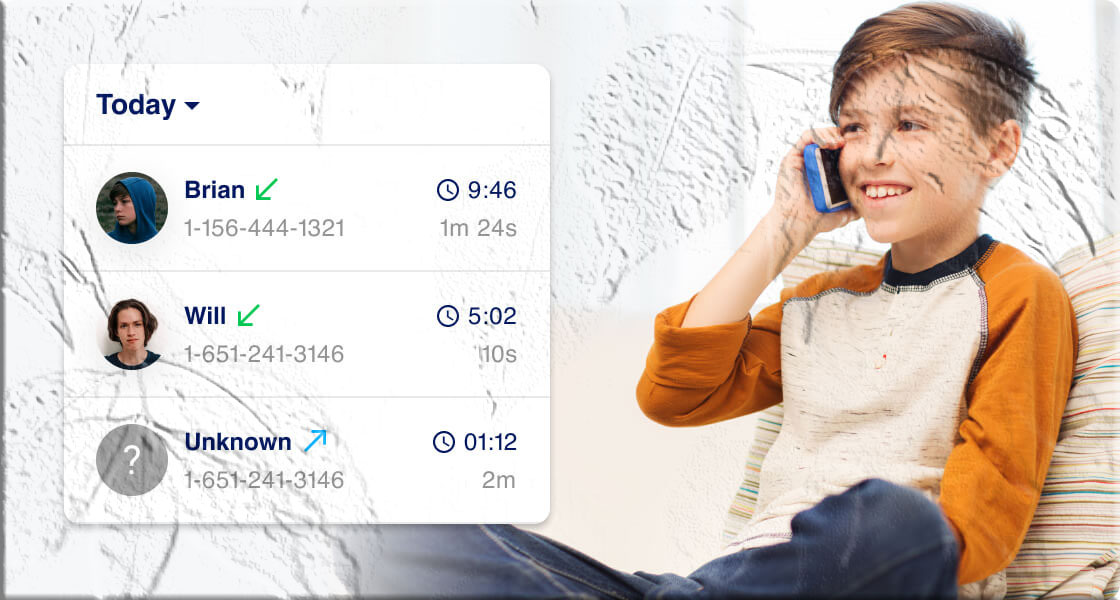
A typical call monitoring dashboard presents:
- Call type: Incoming, outgoing, or missed.
- Phone number or contact name: If the number is saved in the device’s address book, the saved name may appear.
- Timestamp: Date and time of the call.
- Duration: Length of the call in minutes and seconds.
- Frequency: How often a number appears in the call history.
- Related activity: Links to follow‑up texts or app messages when cross‑app monitoring is enabled.
These elements help you build context around a child’s phone activity and identify patterns that may require attention.
Interpreting Call Data
Raw call logs are data points; interpretation requires context:
- Look for patterns: Repeated calls from the same unknown number or frequent late‑night calls can indicate a problem.
- Consider the whole picture: Cross‑reference call logs with messages and app activity to understand the nature of the relationship.
- Avoid jumping to conclusions: A single long call does not necessarily indicate wrongdoing; it could be a family member, tutor, or coach.
- Use findings to start conversations: Share concerns calmly and ask open questions rather than accusing.
When a situation appears serious—threats, exploitation, or illegal activity—preserve evidence and contact appropriate authorities.
Common Parental Use Cases
- Bullying and harassment detection: Identify repeated calls from numbers associated with bullying.
- Stranger contact: Spot calls from unknown numbers that may indicate contact with strangers.
- Late‑night activity: Monitor calls that occur during school nights or late hours.
- Dating and online contacts: Detect frequent calls to numbers not in the family circle.
- Reassurance for younger children: Confirm that check‑in calls are being made and received.
Each use case benefits from a balanced approach that combines monitoring with conversation and education.
Platform Differences: Android vs iOS
- Android: Many monitoring features are available when the app has the necessary permissions. Android’s permission model allows apps to read call logs when granted explicit access.
- iOS: Apple’s platform is more restrictive. Some features may require specific configurations or rely on cloud backups and permissions. Availability varies by app and iOS version.
Always consult the app’s official store listing for platform‑specific requirements and limitations.
Limitations to Expect
- Deleted records: If a call log is deleted on the device before the monitoring app syncs, it may not appear in the dashboard.
- Encrypted communications: Voice calls made through end‑to‑end encrypted apps or VoIP services may not be captured unless the monitoring solution supports those specific apps.
- Network dependency: Real‑time updates require the monitored device to be online.
- False positives: Automated alerts for keywords or unknown numbers can flag benign activity; human review is essential.
Understanding these limits helps set realistic expectations and prevents overreliance on monitoring data.
Troubleshooting Common Issues
- No call logs appearing: Confirm the monitored device is connected to the internet and that the monitoring app has call log permissions.
- Incomplete data: Check whether the app requires additional permissions or background access to collect full logs.
- Sync delays: Large data transfers or intermittent connectivity can delay updates; allow time for the dashboard to refresh.
- App crashes or errors: Update the monitoring app and the device OS; restart both devices if necessary.
- Account access problems: Use the app’s account recovery options and secure your email account.
If problems persist, consult the app’s official support resources or the app store listing for troubleshooting guidance.
Best Practices for Responsible Monitoring
- Be transparent with older children: Explain why monitoring is in place and what will be reviewed.
- Limit monitoring scope: Focus on safety concerns rather than constant surveillance.
- Use monitoring as a conversation starter: Share findings to teach safe behavior rather than to punish.
- Secure monitoring accounts: Use strong passwords and enable two‑factor authentication.
- Reassess over time: Reduce monitoring as children demonstrate responsibility and maturity.
Responsible monitoring balances safety with respect for growing independence.
Combining Monitoring with Other Tools
Monitoring call logs is most effective when combined with other family safety measures:
- Built‑in parental controls: Use device or OS parental controls for screen time and app restrictions.
- Router‑level controls: Limit internet access during certain hours to reduce late‑night activity.
- Education: Teach children about online safety, consent, and how to respond to unwanted contact.
- Open communication: Regular check‑ins and family agreements reduce the need for intrusive monitoring.
These complementary approaches create a layered strategy that supports safety and development.
Preserving Evidence and When to Escalate
If you encounter threatening, exploitative, or illegal content:
- Preserve records: Export or screenshot call logs and related messages while maintaining chain of custody.
- Limit sharing: Share evidence only with trusted adults, school officials, or law enforcement as appropriate.
- Contact authorities: If a child is in immediate danger or you suspect criminal activity, contact local law enforcement.
- Seek professional support: For emotional or psychological harm, consult qualified counselors or child protection services.
Act promptly and carefully when safety is at risk.
How to Talk to Your Child About Monitoring
- Be honest and age‑appropriate: Explain the reasons for monitoring in language they can understand.
- Set clear expectations: Define what will be monitored and what behaviors are expected.
- Invite participation: Ask for input on boundaries and review periods to build ownership.
- Reassure privacy: Explain that monitoring is for safety and that private conversations will be respected when appropriate.
- Adjust as they grow: Scale back monitoring as trust and responsibility increase.
A collaborative approach reduces conflict and helps children internalize safe habits.
FAQs
How do I start monitoring call logs on a family device?
Create an account with the monitoring service, install the app on the target device following the developer’s instructions, grant required permissions, and pair the device with your control panel. Verify operation with a test call.
Can I monitor calls without installing an app on the target device?
Reliable monitoring generally requires authorized installation or permission. Methods that bypass device security are risky and may be illegal.
Will monitoring show calls made through apps like WhatsApp or FaceTime?
Calls made through third‑party VoIP or encrypted apps may not appear in native call logs. Some monitoring solutions offer support for specific apps, but availability depends on the app, device OS, and permissions. Check the app’s official store listing for supported features.
Is it legal to monitor my teen’s phone?
Laws vary by jurisdiction. Parents commonly have the right to monitor minor children’s devices they own, but local regulations and school policies may impose limits. Consult local legal guidance if unsure.
Can monitoring be detected by the person being monitored?
Some monitoring apps are visible in device settings; others run in the background. Transparency is recommended for older children to preserve trust.
How often does the dashboard update?
Update frequency depends on the monitoring service and the monitored device’s connectivity. Many services sync in near real time when the device is online.
Where can I find AppSpyFree?
Search for AppSpyFree on Google Play or the Apple App Store to view the official listing and installation instructions.
Troubleshooting Checklist
- Confirm the monitored device is online and has a stable connection.
- Verify the monitoring app has the necessary permissions for call logs.
- Restart both devices and check for app updates.
- Re‑pair the device to your account if logs are missing.
- Contact the app’s official support resources if issues persist.
Final Considerations
Call monitoring can be a practical tool for parents who want to protect their children from harassment, exploitation, or risky contacts. It works best when combined with open communication, clear family rules, and education about online safety. Use monitoring data to guide supportive conversations rather than to punish, and always respect legal boundaries and privacy as children mature.