
Introduction
Raising children in today’s digital world is both exciting and challenging. Apps like WhatsApp have become central to how kids and teens communicate with friends, share updates, and even build their social identity. While this connectivity is positive, many parents worry about who their children are chatting with and whether they’re exposed to strangers, scams, or inappropriate content.
The reality is that WhatsApp wasn’t designed for parental monitoring. Once a chat is deleted, it’s gone forever. Still, there are safe, legal, and ethical ways to stay informed about your child’s online activity. In this guide, we’ll explore two free methods parents can use to monitor WhatsApp responsibly, while also emphasizing the importance of trust and transparency.

Method 1: Using WhatsApp’s Linked Devices Feature
What Is Linked Devices?
WhatsApp’s Linked Devices feature allows one account to be accessed on up to four devices simultaneously. Originally created for convenience—like checking messages on a laptop—it can also help parents keep an eye on conversations without constantly borrowing their child’s phone.
How It Works
- When a device is linked, all messages sent or received on the child’s phone will also appear on the parent’s device.
- This sync happens in real time, making it easy to see chats as they occur.
Step‑by‑Step Setup
- Open WhatsApp on your child’s phone.
- Go to Settings > Linked Devices > Link a Device.
- On your device, open web.whatsapp.com or the WhatsApp desktop app.
- Scan the QR code using your child’s phone.
- Once linked, messages will sync across devices instantly.
Pros
- No third‑party apps required
- Quick and easy setup
- Works across multiple devices
Cons
- Your child can see which devices are linked and log them out anytime
- Only works if the device stays linked
Best For: Parents who want a simple, transparent way to occasionally check chats.
Method 2: AppSpyFree Parental Control App
What Is AppSpyFree?
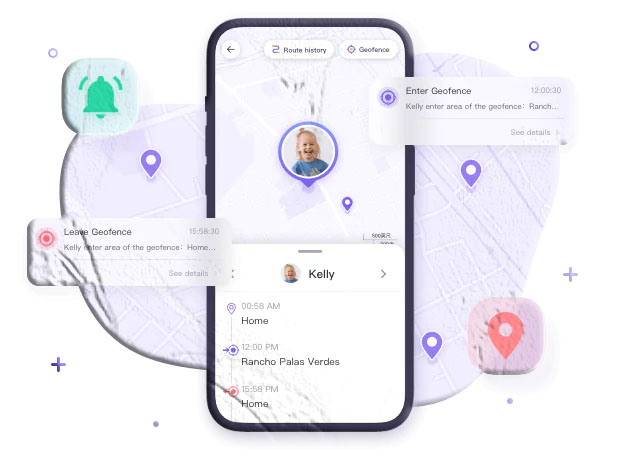
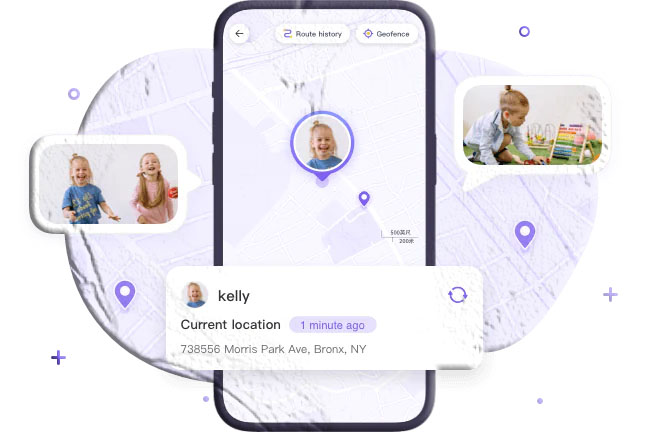
For parents who want more advanced monitoring, AppSpyFree Parental Control is a free app that provides real‑time tracking of WhatsApp activity. Unlike Linked Devices, it offers keyword alerts, usage limits, and even screen mirroring.
Key Features
- Keyword Alerts: Get notified if suspicious words (like “meet up,” “money,” or “secret”) appear in chats.
- Usage Management: Limit screen time and prevent late‑night messaging.
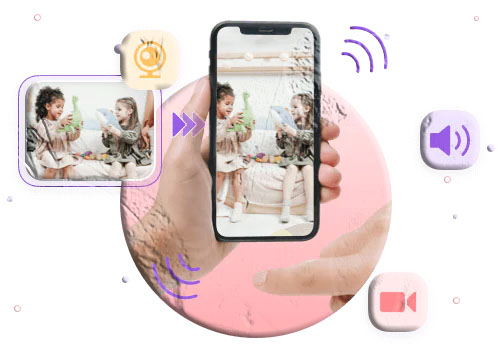
- Screen Mirroring: Watch WhatsApp activity live without touching your child’s phone.
- Behavior Tracking: Monitor overall app usage patterns.
Setup Guide
- Download AppSpyFree Parental Control from the official site or app store.
- Install AppSpyFree Kids on your child’s phone.
- Link the devices using the unique binding code.
- Enable WhatsApp monitoring under Social Content Detection > App Detection Management.
- Set up keyword filters under Keyword Management.
Pros
- Real‑time monitoring
- Alerts for risky behavior
- Works even if your child logs out of Linked Devices
Cons
- Requires installation on your child’s phone
- Must have your child’s consent to remain ethical and legal
Best For: Parents who want proactive alerts without constantly checking messages.
Legal & Ethical Considerations
Monitoring your child’s WhatsApp activity should never be about spying. WhatsApp uses end‑to‑end encryption, meaning even the company itself cannot read messages. Any attempt to bypass this encryption without consent is against their policies and may violate privacy laws.
- With Consent: Safe, ethical, and legal.
- Without Consent: Risky, potentially illegal, and damaging to trust.
The golden rule: Always be transparent with your child. Explain why monitoring is necessary, and emphasize that it’s about safety, not control.
Conclusion
Technology gives parents powerful tools to protect their children online. Whether you use WhatsApp’s Linked Devices or AppSpyFree Parental Control, the goal should always be protection, not intrusion. Combine these tools with open conversations, and you’ll strike the right balance between safety and trust.
FAQs
1. Is it legal to monitor my child’s WhatsApp?
Yes, if your child is underage and you have their consent. Monitoring without consent may violate privacy laws.
2. Can my child detect if I’ve linked their WhatsApp?
Yes. WhatsApp shows all linked devices in the settings menu, and your child can log them out anytime.
3. Does AppSpyFree work on iPhone and Android?
Yes, it supports both platforms as well as web access.
4. Will monitoring affect my child’s trust?
It depends on how you approach it. Transparency and honest communication are key to maintaining trust.
5. What’s the safest way to monitor without invading privacy?
Use keyword alerts and time limits rather than reading every message. This way, you protect your child without micromanaging their conversations.