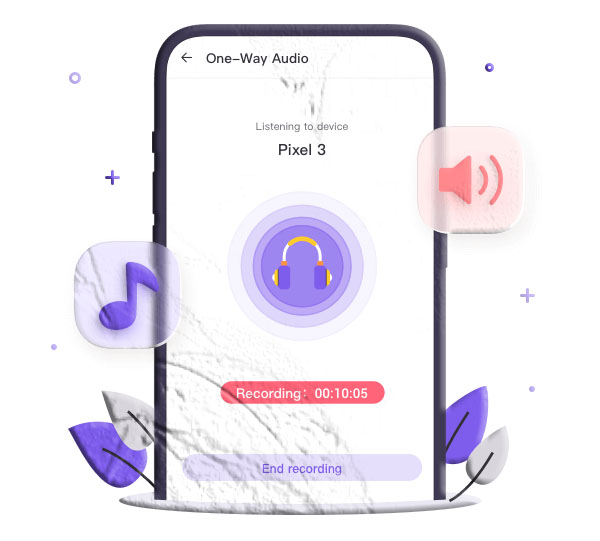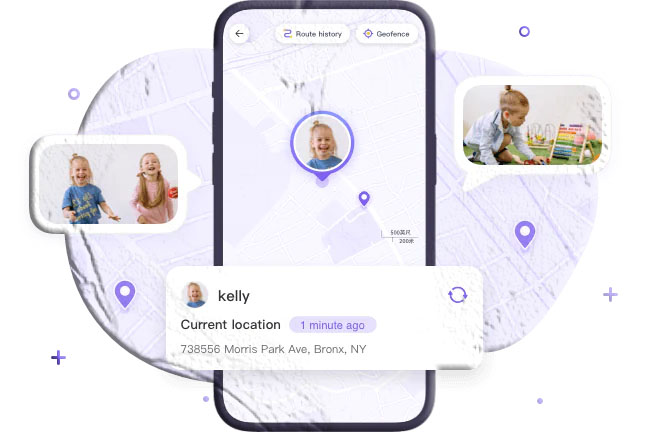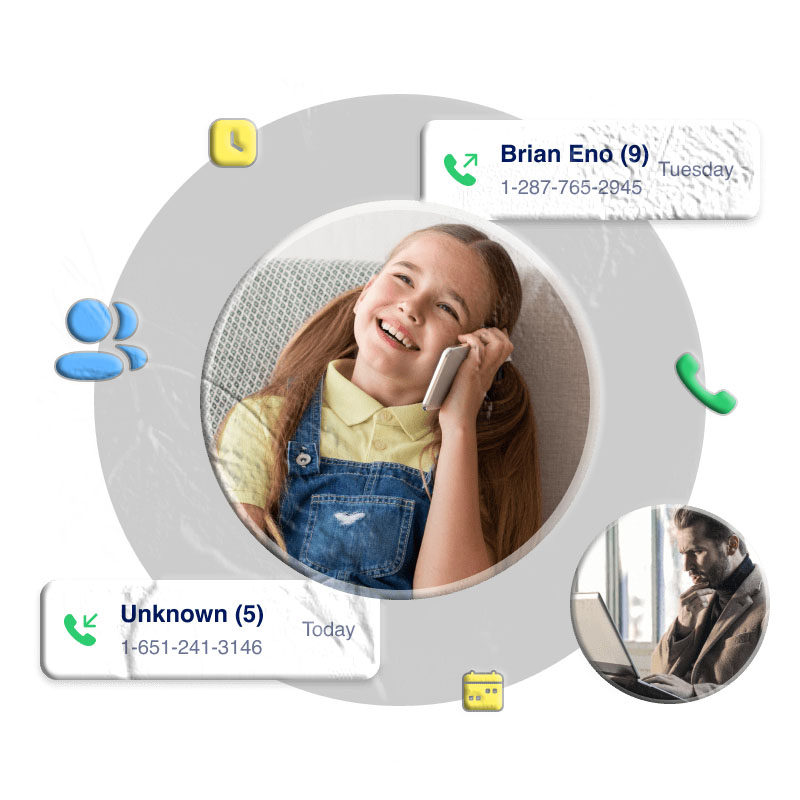

Call recording has evolved from a complicated technical process into a simple, accessible feature thanks to modern mobile apps. Whether you want to record business calls, document important conversations, or monitor your child’s phone activity, a reliable call recorder app can be extremely valuable.
However, not all call recording apps offer the same quality, features, or legal compliance. This guide explores the best call recorder apps for both Android and iPhone, along with essential considerations before you start recording.
What to Consider Before Recording Calls
Call recording is not just a technical action — it also involves legal and ethical responsibilities. Before using any call recorder app, keep the following in mind:
1. Legal Requirements
Call recording laws vary by country and even by state. Some regions require one‑party consent, while others require all parties to be informed. Recording calls without permission may lead to legal consequences.
2. Transparency in Business Settings
If you’re a business owner:
- Inform employees that calls may be recorded.
- Clearly state the purpose of recording.
- Notify customers when their calls are being recorded.
3. Ethical Use
Call recording should never be used to violate privacy, manipulate others, or engage in harmful activities. Always use these tools responsibly.
4 Best Call Recorder Apps for Android

Android users have access to a wide range of call recording apps. Here are the most reliable options based on features, usability, and performance.
1. Cube ACR – Call Recorder
Cube ACR is one of the most advanced call recording apps for Android. It supports both carrier calls and VoIP calls from apps like WhatsApp, Skype, Telegram, and more.
Key Features
- Records incoming and outgoing calls automatically.
- Supports VoIP call recording across multiple platforms.
- Smart speaker switching for private playback.
- PIN lock, cloud backup, and SD card storage (premium).
Pros
- Wide compatibility with Android devices.
- Easy call management and organization.
- Secure storage options.
Cons
- Cannot record when the screen is off on some devices.
Pricing
- $1.99/month, $6.99/6 months, $9.99/year
- 3‑day free trial available.
2. Google Voice
Google Voice is a communication app offering calling, texting, voicemail, and manual call recording.
Key Features
- Free phone number for calls and texts.
- Manual call recording by pressing “4” during a call.
- Cloud‑based storage for recordings.
Pros
- Reliable and backed by Google.
- Easy to use and secure.
- 30‑day free trial.
Cons
- Only available in the USA.
- Manual recording only.
Pricing
- $30 per user license (premium).
- Rated 4.4 on Google Play.
3. Phone by Google (Google Dialer)
This is Google’s official dialer app, offering built‑in call recording on supported devices.
Key Features
- Automatic spam protection.
- Caller ID display.
- Built‑in call recording on supported devices.
- Visual voicemail and emergency support.
Pros
- Clean interface and reliable performance.
- Completely free.
Cons
- Limited to USA and select devices (Pixel 2+).
- English‑only interface.
Pricing
- Free
4. Built‑in Call Recorders (Android Manufacturers)
Many Android brands like Xiaomi, Samsung, and Oppo include built‑in call recording features.
Key Features
- Automatic or manual call recording.
- No subscription required.
- Easy activation and deactivation.
Pros
- Free and integrated into the phone.
- No third‑party installation needed.
Cons
- Limited features compared to dedicated apps.
- No cloud backup or advanced organization tools.
5 Best Call Recorder Apps for iPhone

iPhones do not support native call recording due to Apple’s privacy policies. However, several third‑party apps offer secure and reliable solutions.
1. Rev Call Recorder
Rev Call Recorder is one of the best free call recording apps for iPhone, offering unlimited recordings.
Key Features
- Unlimited call recording length.
- No subscription fees for recording.
- Easy sharing via email, messages, or cloud storage.
- Optional transcription service (paid).
Pros
- Completely free for recording.
- High‑quality audio.
- Simple interface.
Cons
- Transcription costs extra.
Pricing
- Free for recording
- Transcription charged per minute
2. Call Recorder iCall
iCall is a premium call recording app offering a simple one‑tap interface.
Key Features
- Records incoming and outgoing calls.
- Choose specific contacts to auto‑record.
- Easy sharing and file management.
- Customer support included.
Pros
- User‑friendly interface.
- Reliable performance.
Cons
- Weekly subscription required.
Pricing
- $5.99/week
- 3‑day free trial
3. Automatic Call Recorder (ACR)
ACR is a feature‑rich iPhone call recorder with automatic recording and advanced organization tools.
Key Features
- Automatic call recording.
- Categorize and edit audio files.
- Speech‑to‑text in 50 languages.
- Share recordings easily.
Pros
- Excellent organization tools.
- Multilingual support.
Cons
- Requires 3‑way calling support.
- No refunds for active subscriptions.
Pricing
- $6.99/week
- $14.99/month
- 3‑day free trial
4. Call Recorder Lite for iPhone
A simple call recording app with unlimited recordings.
Key Features
- Records incoming and outgoing calls.
- Download and share recordings.
- Unlimited recording length.
Pros
- Free to use.
- Easy sharing.
Cons
- Only first 60 seconds playable in free version.
- Requires 3‑way calling setup.
Pricing
- $9.99 one‑time payment for Pro
5. Call Recorder – IntCall
A dynamic call recording app with strong file management features.
Key Features
- Records both incoming and outgoing calls.
- Rename, delete, and organize recordings.
- Share recordings across platforms.
Pros
- Clean interface.
- Good file management.
Cons
- Only 1 minute playable in free version.
- Requires 3‑way calling.
Pricing
- $6.99/month
- 3‑day free trial
How We Evaluate Call Recorder Apps
When comparing call recorder apps, several factors determine which ones stand out:
- Recording quality
- Ease of use and interface design
- Automatic vs. manual recording
- Cloud backup and storage options
- Subscription cost and value
- User reviews and reliability
Apps that offer clear audio, simple controls, and secure storage rank highest.
Why People Record Calls
Call recording can serve many legitimate purposes:
- Business monitoring — Ensure employees follow communication guidelines.
- Customer service — Improve quality and training.
- Personal safety — Document threatening or suspicious calls.
- Parental monitoring — Keep children safe from harmful interactions.
- Memory support — Save important instructions or conversations.
Final Thoughts
Call recording can be extremely useful, but it must be done responsibly and legally. Android and iPhone users have many options, from free apps like Rev Call Recorder to advanced tools like AppSpyFree. For those seeking a powerful, feature‑rich solution, AppSpyFree Call Recorder stands out for its versatility, real‑time monitoring, and affordable subscription.
Frequently Asked Questions
1. Is it legal to record phone calls?
It depends on your region. Some places require only one person to consent, while others require all parties to be informed.
2. Can I record calls secretly?
Some apps allow discreet recording, but secret recording may violate privacy laws. Always check local regulations.
3. What is the best free call recorder for Android?
Phone by Google is one of the best free options, though it’s limited to certain regions.
4. Why doesn’t iPhone have a built‑in call recorder?
Apple restricts call recording due to privacy and security policies.
5. Can I record VoIP calls like WhatsApp or Skype?
Yes, apps like Cube ACR and AppSpyFree support VoIP call recording.
6. Do call recorder apps work on all carriers?
Some require 3‑way calling support, which varies by carrier.
7. Can I store recordings in the cloud?
Many apps offer cloud backup options such as Google Drive, Dropbox, or iCloud.