
Smartphones have become an essential part of daily life, but with thousands of apps competing for attention, it’s easy to lose track of how much time we spend on them. Whether you want to improve your productivity, reduce distractions, or monitor your child’s screen time, an app usage tracker can help you regain control.
These tools provide detailed insights into app activity, usage patterns, and time spent on each application. Below are the best app usage trackers for both Android and iPhone users, along with their features, pros, cons, and pricing.
5 Best App Usage Trackers for Android
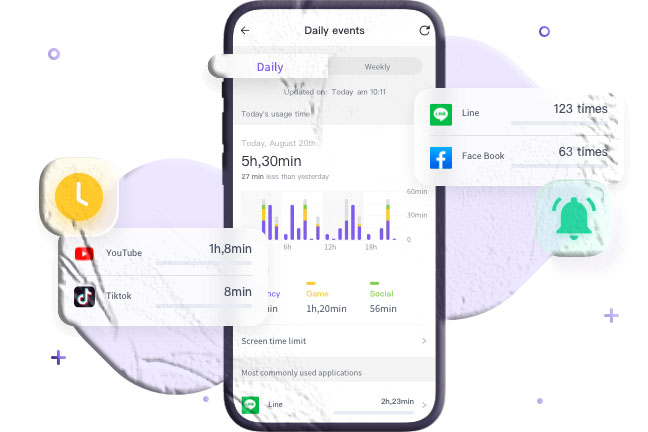
Android users have access to a wide range of screen‑time monitoring tools. These apps help parents manage their children’s digital habits and allow individuals to track their own usage for better productivity.
1. App Usage (by AZSoft Technology Inc.)
App Usage is a powerful and straightforward tool designed to help users understand how much time they spend on each app. It’s especially useful for parents who want to monitor their children’s digital behavior.
Key Features
- Timeline view showing apps sorted by total usage time.
- Category‑based breakdown to identify time spent on entertainment, gaming, social media, and more.
- Location history for each app to understand where the device was used.
Pros
- Heatmap visualization for quick insights.
- Detailed usage history by app or category.
- Location tracking for each app session.
Cons
- Cannot track usage when the screen is off.
Pricing
- Free
2. StayFree – Screen Time & App Limit
StayFree is one of the most popular screen‑time management apps for Android. It offers detailed analytics and powerful restriction tools to help users reduce distractions.
Key Features
- Graphical overview of app usage.
- Set limits for specific apps.
- Keyword‑based content blocking.
- Advanced tools like usage goals, notification blocking, and PIN protection.
Pros
- Comprehensive usage reports.
- Ability to block apps or content.
- Secure with PIN protection.
Cons
- Occasional minor bugs.
Pricing
- Free
3. AppSpyFree App Usage Tracker
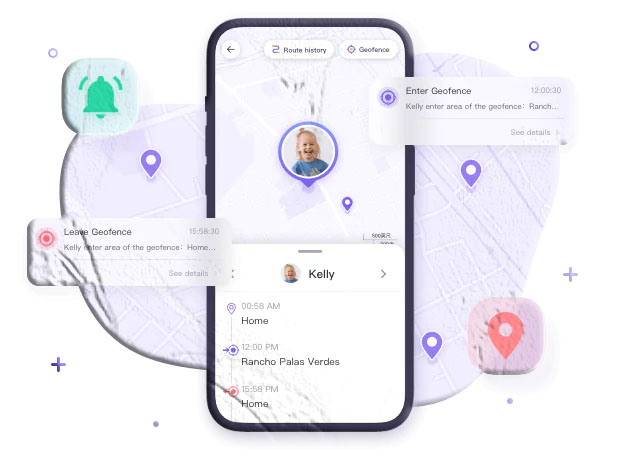
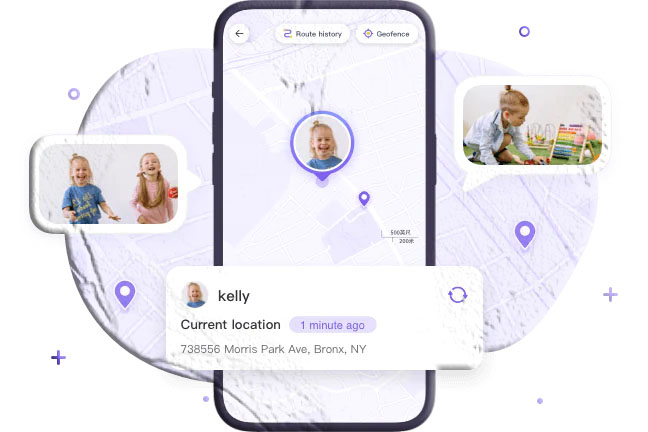
AppSpyFree Parental Control includes a robust App Usage Tracker designed for families. It helps parents monitor their children’s screen time, set limits, and track real‑time activity.
Key Features
- Daily app usage tracking with customizable limits.
- Automatic blocking after exceeding time limits.
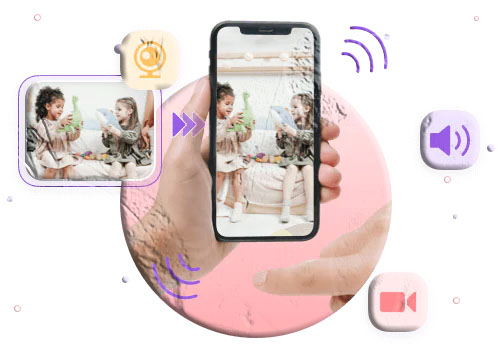
- Remote camera access for parental monitoring.
- Detailed analytics including location and content filtering.
Pros
- User‑friendly interface.
- Real‑time screen time tracking.
- Cyberbullying monitoring features.
Cons
- Requires strong internet for remote camera access.
Pricing
- $9.99/month (Premium)
4. YourHour – Screen Time Control
YourHour is a globally trusted app with millions of users. It helps individuals understand their digital habits and gradually reduce screen dependency.
Key Features
- Daily summary of app usage and unlock count.
- Time limits for frequently used apps.
- Daily, weekly, and monthly reports.
- Categorizes users into six behavior types: addicted, dependent, obsessed, habitual, achiever, and champion.
Pros
- Export reports in PDF or Excel.
- Fun challenges like “No Phone Mode”.
- Supports 21 languages.
Cons
- The quit button may not work properly during challenges.
Pricing
- Free
5. Screen Time (by Iridium Dust Limited)
Screen Time helps users manage their digital habits by offering detailed usage reports and app‑locking features.
Key Features
- Daily and weekly usage statistics.
- Set time limits for specific apps.
- App lock with password protection.
Pros
- Category‑based view of most used apps.
- Easy‑to‑read usage reports.
Cons
- Some users report inaccurate usage times.
Pricing
- Free
Top 3 App Usage Trackers for iPhone
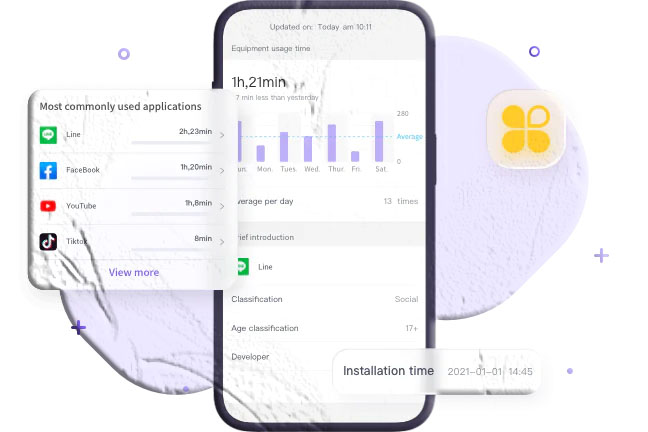
iPhone users can also benefit from powerful screen‑time monitoring apps. These tools help users stay focused, reduce distractions, and manage their digital lifestyle.
1. Flipd
Flipd is a productivity‑focused app that helps users stay motivated and reduce screen time. It’s ideal for students, professionals, and anyone looking to build healthier digital habits.
Key Features
- Custom productivity timer with break scheduling.
- Detailed analytics and insights.
- Background sounds and focus music.
- Online study rooms for group motivation.
Pros
- Calendar‑based history visualization.
- Detailed usage statistics across multiple time periods.
- Focus mode with group challenges.
Cons
- Notification settings reset after exiting lock mode.
Pricing
- $5.99/month (Premium)
2. OffScreen – Screen Time Control
OffScreen is a beautifully designed app that helps users stay mindful of their screen time. It offers multiple focus modes and detailed activity tracking.
Key Features
- Focus modes: Pomodoro, Countdown, and Time Accumulation.
- Daily challenges like digital detox and sleep tracking.
- Categorical activity reports (study, sleep, sports, work).
- Quick dashboard for last pickup, average usage, and more.
Pros
- Tracks screen time for each app.
- OFF‑Time feature to restrict app usage.
- Live activity and StandBy mode support.
- Data visualization and sharing.
Cons
- High battery consumption.
Pricing
- $4.49 (Pro version)
3. WaRadar
WaRadar is designed for parents who want to monitor their children’s app usage in real time. It provides detailed reports and instant alerts.
Key Features
- Daily usage reports with start and end times.
- Add multiple family profiles easily.
- Instant notifications when a child opens an app.
- Graphical visualization of daily usage.
Pros
- Supports multiple family members.
- Real‑time alerts.
- Clear daily reports.
Cons
- No free trial.
Pricing
- $18.49/month
How to Check App Usage on Your Phone
Even without third‑party apps, both Android and iPhone offer built‑in tools to monitor screen time.
For Android Users
Android devices include Digital Wellbeing, which helps users track app usage, set limits, and manage distractions.
How to Check App Usage
- Open Settings.
- Tap Digital Wellbeing & parental controls.
- Tap the three‑dots menu → Manage your data.
For iPhone Users
iPhones include Screen Time, a built‑in tool for monitoring app usage and setting limits.
How to Check App Usage
- Go to Settings > Screen Time.
- Tap Screen Time to view daily reports.
- Use App Limits to restrict usage.
Final Verdict
App usage trackers are essential tools for anyone looking to improve productivity, reduce distractions, or monitor their children’s digital habits. Whether you prefer built‑in features like Digital Wellbeing and Screen Time or advanced third‑party apps, there’s a solution for every need.
For parents seeking a reliable and feature‑rich option, AppSpyFree Parental Control stands out due to its real‑time monitoring, usage limits, and advanced safety features.
Frequently Asked Questions
1. Are app usage trackers safe to use?
Yes, reputable app usage trackers are safe. Always download from official app stores and review privacy policies before use.
2. Can I track my child’s app usage without installing an app on their phone?
Built‑in tools like Digital Wellbeing (Android) and Screen Time (iPhone) allow some monitoring, but advanced tracking usually requires installing a parental control app.
3. Do app usage trackers drain battery life?
Most trackers use minimal battery, but apps with real‑time monitoring or focus modes may consume more power.
4. Can I set time limits for specific apps?
Yes, many trackers—including StayFree, Screen Time, and OffScreen—allow you to set daily limits for individual apps.
5. Are there free app usage trackers?
Yes, several apps like App Usage, StayFree, and YourHour offer free versions with robust features.