
Location‑sharing apps have become an essential part of modern digital life. Whether you’re coordinating with family members, checking on a child’s whereabouts, or simply sharing your location during travel, tracking apps offer convenience and peace of mind. With so many options available, choosing the right one can feel overwhelming.
This guide breaks down five of the best tracking apps for iPhone and Android, comparing their features, pricing, privacy practices, and ideal use cases. All apps listed are available on the Google Play Store or Apple App Store, ensuring platform compliance and user safety.
Why People Use Tracking Apps
Tracking apps serve a wide range of purposes, including:
- Staying connected with family members
- Monitoring a child’s location with consent
- Coordinating meetups with friends
- Checking on elderly relatives
- Sharing your location temporarily during travel
- Finding a lost or misplaced device
The apps below offer different combinations of real‑time tracking, geofencing, route history, emergency alerts, and communication tools.
1. AirDroid Family Locator
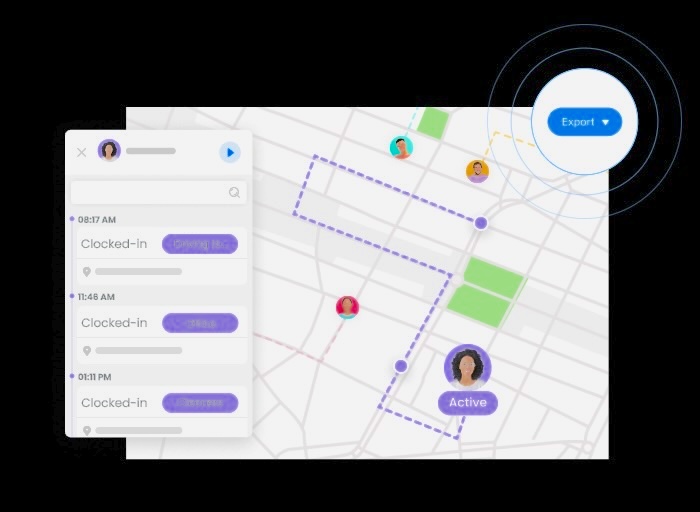
AirDroid Family Locator is designed for families who want a simple, reliable way to stay connected. It provides real‑time location updates, route history, and geofencing alerts, making it especially useful for parents who want to understand their child’s daily movements.
Key Features
- Real‑time location tracking
- Timeline of past movements (up to 30 days)
- Custom geofences with entry/exit alerts
- Cross‑platform support for Android and iPhone
- Optional remote monitoring features on Android
Pricing
- Monthly: $9.99
- Quarterly: $6.66/month
- Annual: $4.99/month
A free trial is available.
Privacy and Security
AirDroid states that it uses encrypted channels to protect user data and does not share personal information with unauthorized parties.
Pros
- Detailed route history
- Strong geofencing options
- Real‑time updates
- Works across platforms
Cons
- Higher pricing than some alternatives
- Certain features available only on Android
2. Life360
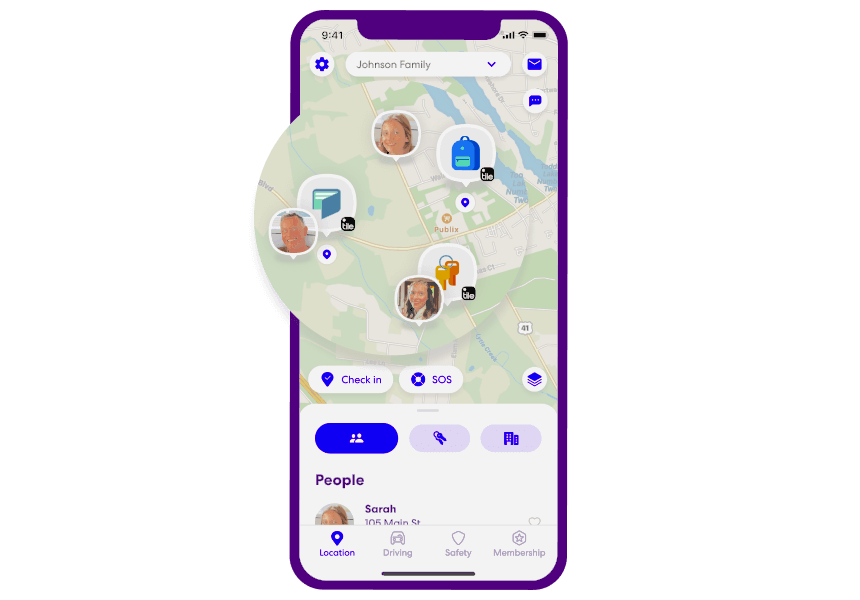
Life360 is one of the most widely used family‑tracking apps, offering real‑time location sharing, driving safety tools, and emergency assistance. It’s available for both iPhone and Android and is known for its polished interface and robust feature set.
Key Features
- Real‑time location tracking
- Driving behavior monitoring (speed, braking, phone usage)
- SOS alerts with one‑tap emergency assistance
- “Bubble” feature for temporary location privacy
- Private messaging within the app
Pricing
- Silver: $14.99/month
- Gold: $24.99/month
- Free version available with limited features
Privacy and Security
Life360 states that user data is encrypted and not shared with third parties without consent.
Pros
- Comprehensive family‑tracking features
- Driving safety tools
- Emergency SOS
- Cross‑platform support
Cons
- Higher subscription cost
- Some features require premium plans
3. FindMyPhone – Family Locator
FindMyPhone is a straightforward tracking app that focuses on simplicity and ease of use. It’s suitable for families who want basic location sharing without complex features.
Key Features
- Real‑time location tracking
- Geofencing alerts
- Location history (up to 7 days)
- SOS alerts for emergencies
- Private in‑app chat
Pricing
- Weekly: $4.99
- Monthly: $9.99
- Yearly: $49.99
- Free version available with limited features
Privacy and Security
The app’s privacy policy notes that some data may be shared with advertising partners, though payment information remains private.
Pros
- Simple interface
- Affordable plans
- Useful emergency alerts
- Works on both iPhone and Android
Cons
- Background tracking may drain battery
- Some data may be used for advertising
4. Google Maps
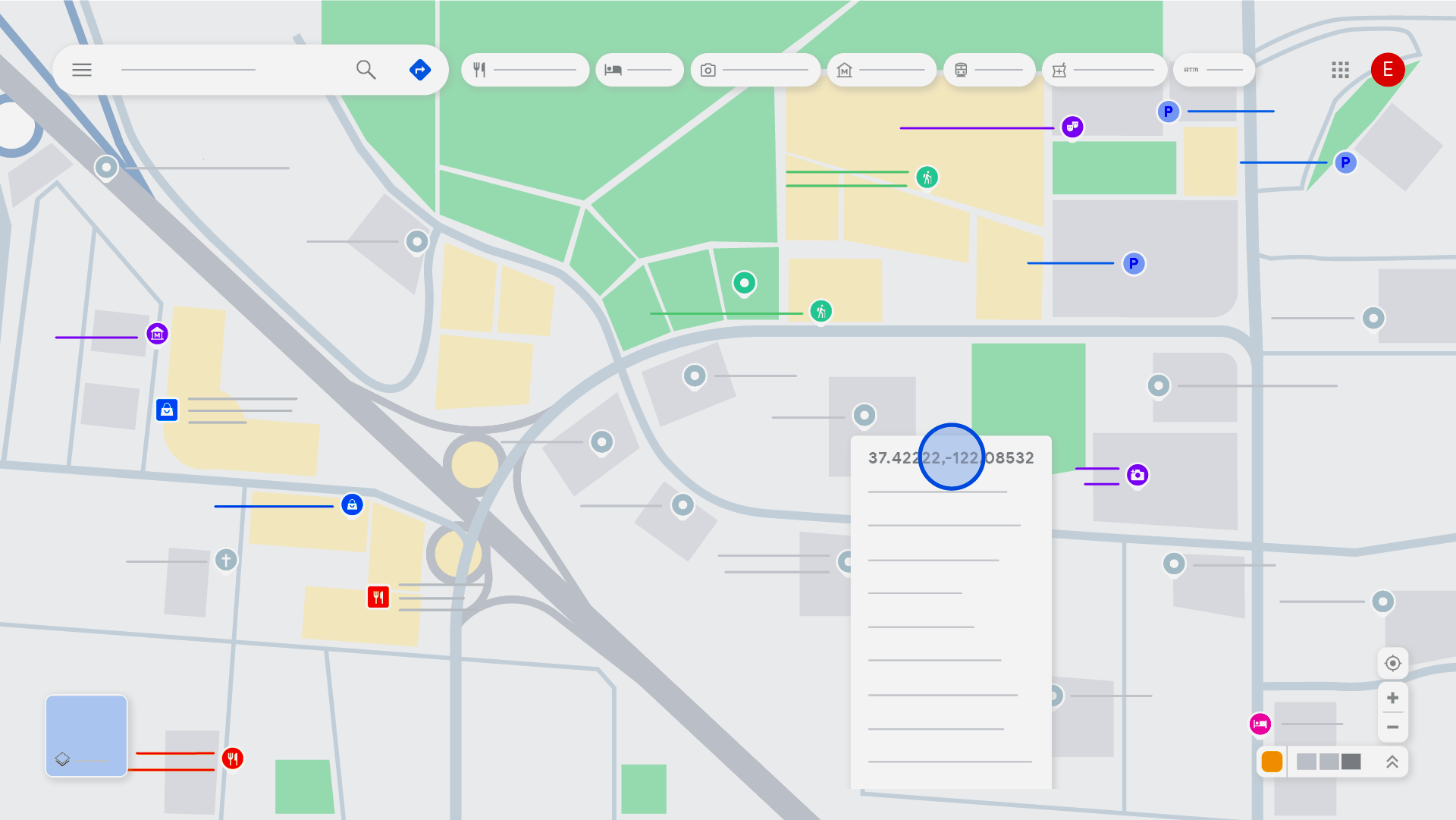
While Google Maps is best known for navigation, it also includes built‑in location‑sharing features. It’s ideal for users who want occasional tracking without subscribing to a dedicated service.
Key Features
- Live location sharing
- Location history (Timeline)
- Navigation and route planning
- Real‑time traffic and transit updates
Pricing
Google Maps is free to use.
Privacy and Security
Google encrypts user data and allows users to control what information is stored, including the ability to pause or delete location history.
Pros
- Completely free
- Reliable navigation
- Easy to share location temporarily
- Works across devices
Cons
- Not designed for long‑term family tracking
- Requires stable internet for updates
Download Links
- Google Play Store:
https://play.google.com/store/apps/details?id=com.google.android.apps.maps - Apple App Store:
https://apps.apple.com/app/google-maps/id585027354
5. Glympse
Glympse is ideal for temporary location sharing. Instead of continuous tracking, it allows users to share their location for a set period via a link — no account required for the recipient.
Key Features
- Temporary real‑time location sharing
- Share via SMS, email, or social apps
- Background location updates
- Group or team sharing
- Public tags for shared maps
Pricing
- Free version available
- Premium plans start at $9.99/month
Privacy and Security
Glympse uses encrypted channels and clearly outlines what data is collected and how it is used.
Pros
- No permanent tracking
- Easy temporary sharing
- Works without requiring the recipient to install the app
- Available worldwide
Cons
- Location updates may lag
- Fewer long‑term tracking features
Download Links
- Google Play Store:
https://play.google.com/store/apps/details?id=com.glympse.android.glympse - Apple App Store:
https://apps.apple.com/app/glympse/id524561439
How to Choose the Right Tracking App
Choosing the best tracking app depends on your needs. Consider the following:
For families with children
AirDroid Family Locator or Life360 offer robust features like geofencing and driving safety.
For occasional location sharing
Google Maps or Glympse are excellent free options.
For simple family coordination
FindMyPhone provides essential features without complexity.
For privacy‑focused users
Apps with temporary sharing, like Glympse, offer more control.
Frequently Asked Questions
Are tracking apps legal to use?
Yes — when used with consent. Tracking someone without their knowledge is illegal in most regions.
Do tracking apps drain battery?
Apps that run continuously in the background may use more battery, especially when GPS is active.
Can I track a phone without installing an app?
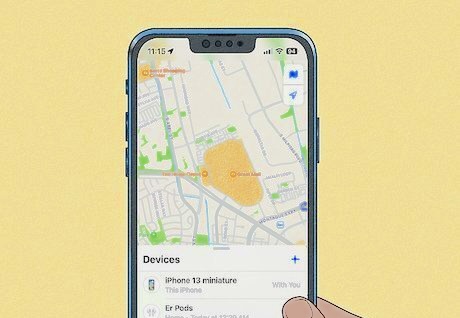
Most platforms require installation or account access. Google Maps and Apple’s Find My offer built‑in options.
Which app is best for parents?
Apps with geofencing, route history, and emergency alerts — such as AirDroid Family Locator or Life360 — are popular choices.
Can these apps help find a lost phone?
Yes. Many include features that show the last known location of a device.
Conclusion
Tracking apps have become valuable tools for families, friends, and individuals who want to stay connected or locate a device. The five apps highlighted here offer a range of features, from real‑time tracking and geofencing to temporary location sharing and emergency alerts.
Whether you’re coordinating with loved ones, checking on a child’s commute, or sharing your location during travel, these apps provide flexible options for different needs. With both free and paid versions available, users can choose the level of functionality that suits them best.