
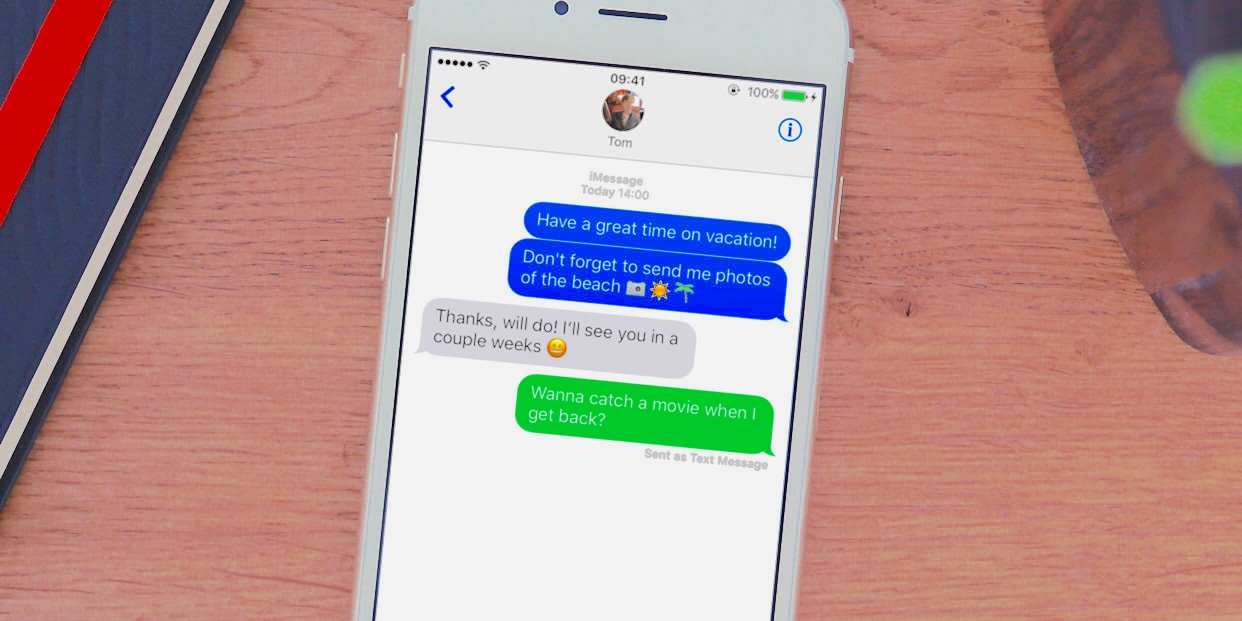

Text messaging remains one of the most common ways people communicate, but it’s also one of the easiest channels for privacy breaches. With millions of messages sent every day, it’s no surprise that unauthorized access has become a growing concern. Whether through account syncing, device sharing, or malicious software, it is possible for someone to read your messages without physically touching your phone.
This guide breaks down three major signs that your messages may be accessed without permission, explains why these signs matter, and shows you how to secure your device and accounts. It also includes guidance for parents who use monitoring tools responsibly and ethically.
Sign 1: Your Phone Suddenly Feels Slower, Hotter, or Drains Battery Faster
A noticeable change in your phone’s performance is often one of the earliest indicators that something is wrong. If your device used to run smoothly but now struggles with basic tasks, it may be processing something in the background — including unauthorized monitoring software.
Common performance changes to watch for
- Apps take longer to open
- The phone heats up even during light use
- Battery drains significantly faster
- Random freezes or unexpected restarts
- Increased mobile data usage
These symptoms don’t automatically mean someone is reading your messages, but they can indicate hidden processes running in the background.
Why performance issues matter
Some forms of malicious software attempt to collect:
- SMS messages
- Call logs
- Social media chats
- Contact lists
- Location data
Even legitimate apps can cause problems if installed without your knowledge. For example, if someone has access to your Apple ID or Google account, they may sync your messages to another device without you realizing it.
What you can do
- Review all installed apps and remove anything unfamiliar
- Restart your device and check for system updates
- Reset app permissions
- Back up your data and perform a factory reset if necessary
- Only download apps from the Google Play Store or Apple App Store
These steps help eliminate unauthorized software and restore normal performance.
Sign 2: You Receive Strange Messages or Notice SMS Forwarding Enabled

Receiving unusual or unsolicited messages can be more than just spam — it may indicate that someone is attempting to access your device or intercept your messages.
Examples of suspicious messages
- Texts containing random verification codes you didn’t request
- Messages with unfamiliar links
- Notifications about logins you didn’t authorize
- Messages referencing private conversations
These can be signs that someone is trying to log into your accounts or trigger message forwarding features.
SMS forwarding: a hidden risk
On iPhones, Text Message Forwarding allows messages to be sent to other Apple devices linked to the same Apple ID. This is convenient for people who use multiple devices, but dangerous if someone else has access to your account.
How to check SMS forwarding on iPhone
- Open Settings
- Tap Messages
- Select Text Message Forwarding
- Review the list of devices
- Turn off forwarding for any device you don’t recognize
If you see devices you don’t own, someone may be receiving copies of your messages.
Android users
Android does not include built‑in SMS forwarding, but some messaging apps offer similar features. Review your messaging app settings and connected devices.
Sign 3: Your Messages Show as “Read” Before You Open Them
One of the clearest signs of unauthorized access is when messages appear as “read” even though you haven’t opened them. This can happen across multiple platforms:
- SMS
- iMessage
- Facebook Messenger
- Telegram
How to test this
Ask a trusted friend to send you a message. Do not open it. If the message shows as “read” on their end, someone else may have opened it from another device.
Possible causes
| Cause | Explanation | What to Do |
|---|---|---|
| Shared Apple ID | Messages sync across devices | Create a separate Apple ID |
| Cloud backups | Messages restored on another device | Disable iCloud or Google Drive sync |
| Logged‑in accounts | Messaging apps open on multiple devices | Change passwords and log out everywhere |
Unauthorized access often happens through account syncing rather than hacking, which makes reviewing connected devices essential.
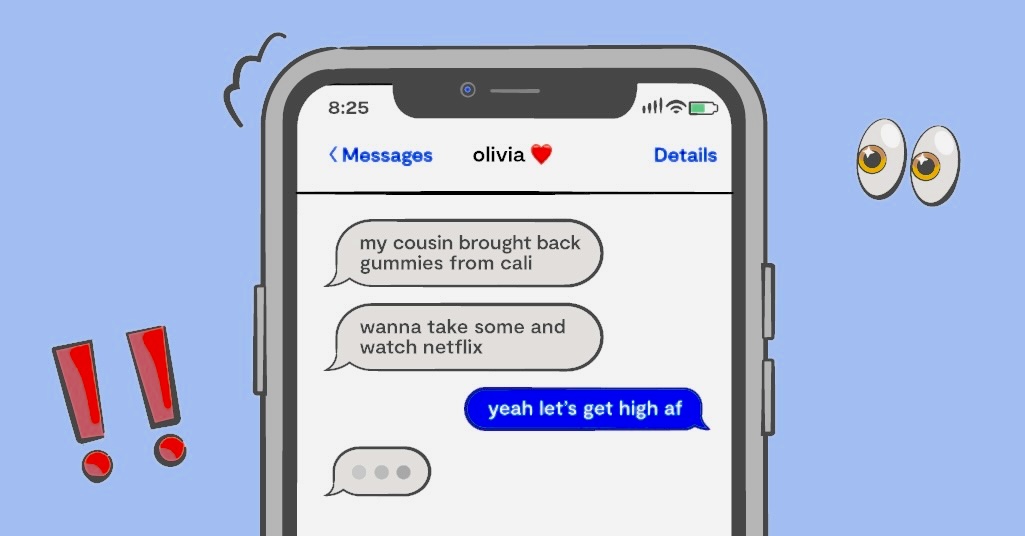
Can You Get Scammed Just by Opening a Text Message?
Opening a plain text message is usually harmless. The real danger comes from:
- Clicking suspicious links
- Responding to unknown numbers
- Sharing personal information
- Downloading attachments
Some messages attempt to trick you into revealing login details or installing harmful software. If a message looks suspicious, delete it immediately.
The Positive Side of Monitoring: When Parents Use It Responsibly
Not all monitoring is harmful. Many parents use parental control tools to help guide their children’s digital habits, especially when children are still learning how to navigate online risks.
With a child’s awareness and consent, parental control apps can help monitor:
- Text messages
- Call logs
- Browsing activity
- Social media interactions
These tools can also block inappropriate content, limit screen time, and provide alerts for concerning behavior.
Examples of parental control apps available on official stores
- Google Family Link (Google Play Store)
https://play.google.com/store/apps/details?id=com.google.android.apps.kids.familylink - Apple Screen Time (built into iOS)
These tools are designed for families and comply with platform policies.
How to Stop Someone from Monitoring Your Text Messages
Protecting your messages requires a combination of account security, device settings, and smart digital habits.
1. Enable Two‑Factor Authentication (2FA)
2FA adds an extra layer of protection to your accounts. Instead of relying only on a password, you must enter a verification code generated by an authenticator app.
Recommended authenticator apps
All available on official stores:
- Google Authenticator (Google Play / App Store)
- Microsoft Authenticator (Google Play / App Store)
- Duo Mobile (Google Play / App Store)
Avoid SMS‑based 2FA when possible, as text messages can be intercepted.
2. Review App Permissions Regularly
Apps often request access to features they don’t need. Over time, this can expose sensitive information.
What to check
- SMS access
- Contacts
- Microphone
- Camera
- Location
On iPhone: Settings → Privacy & Security
On Android: Settings → Apps → Permissions
Remove permissions that don’t make sense.
3. Use Encrypted Messaging Apps
End‑to‑end encryption ensures that only you and the recipient can read your messages.
Popular encrypted apps include:
- Signal
- Telegram (Secret Chats)
These apps are available on Google Play and the App Store.
4. Strengthen Your Lock Screen
A strong lock screen prevents unauthorized access to your device.
Best practices
- Use a long passcode
- Enable fingerprint or face recognition
- Disable message previews on the lock screen
- Set auto‑lock to 30 seconds or less
These steps reduce the chances of someone reading your messages directly from your device.
5. Avoid Sending Sensitive Information Over Public Wi‑Fi
Public Wi‑Fi networks can expose your data to interception. Avoid sending:
- Passwords
- Banking details
- Personal identification numbers
If you must use public Wi‑Fi, consider using a reputable VPN from the official app stores.
Final Thoughts
Your text messages contain personal details that deserve protection. By recognizing unusual device behavior, monitoring account activity, and strengthening your security settings, you can significantly reduce the risk of unauthorized access.
Staying aware of how your device behaves — and taking action when something feels off — is one of the most effective ways to protect your privacy.
Frequently Asked Questions
Can someone track my location through text messages?
Not directly. However, malicious links or location‑sharing features inside messaging apps can reveal your location if clicked or enabled.
What should I do if I suspect someone is reading my messages?
Change your passwords, review connected devices, remove unknown apps, and enable two‑factor authentication. If the issue continues, contact your mobile carrier for additional support.
How can I see who my child is texting?
Parents may use built‑in tools like Google Family Link or Apple Screen Time, with the child’s knowledge and consent, to monitor communication and promote safe digital habits.

Add comment