
Introduction
Mobile numbers have evolved far beyond their original purpose of making calls. Today, they are often linked to powerful digital ecosystems that include GPS tracking, online accounts, and location services. This means that a mobile number, when tied to a device, can provide valuable insights into its location history.
For parents, this can be a way to ensure their child’s safety. For individuals, it can help recover a lost phone or retrace steps. But with great power comes responsibility—tracking location history must always be done ethically and legally.
In this guide, we’ll explore three effective methods to track the location history of mobile numbers, discuss whether parents should use these tools, and explain how to keep location data private.
Method 1: Using Google Account Timeline
What It Is
Google’s Location History feature creates a personalized timeline of places visited. When enabled, it continuously records device locations—even when Google apps aren’t actively in use.
How to Access It
- Open the Google Maps app or visit maps.google.com.
- Log into the Google account linked to the mobile number.
- Tap the hamburger menu (☰) and select Your Timeline.
- Use the calendar icon to choose a date and view location history.
Troubleshooting
If you don’t see location history:
- Ensure Location History is turned on in Google Settings.
- Tick the phone associated with the mobile number.
- Fix glitches by restarting the device, updating Google Maps, reinstalling the app, or signing out and back in.
Best For: Android users who want a free, built‑in way to view past movements.
Method 2: Using Apple ID and Significant Locations
What It Is
Apple devices feature Significant Locations, a private log of places you’ve visited. This data is stored locally on the device and linked to your Apple ID, which may be tied to your mobile number.
How to Access It
- Open Settings on your iPhone.
- Tap Privacy > Location Services.
- Scroll to System Services > Significant Locations.
Limitations
- Data is private and only accessible on the device itself.
- It may not provide a complete history compared to Google Timeline.
Best For: iPhone users who want a secure, built‑in record of past locations.
Method 3: Using a Mobile Tracker App (AppSpyFree)
What It Is
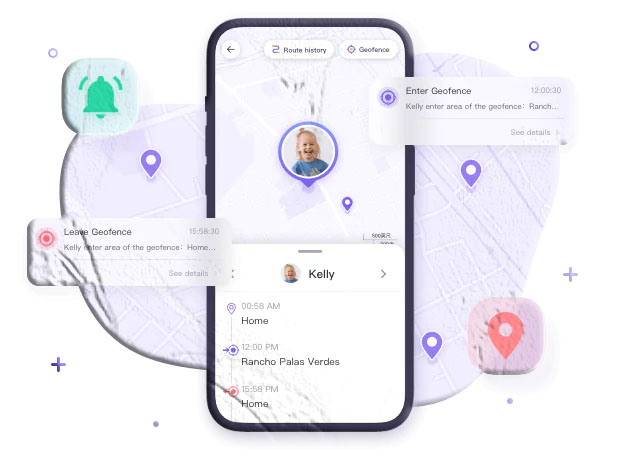
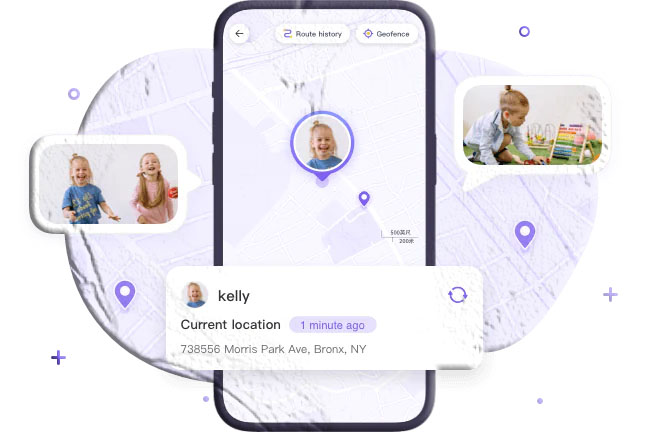
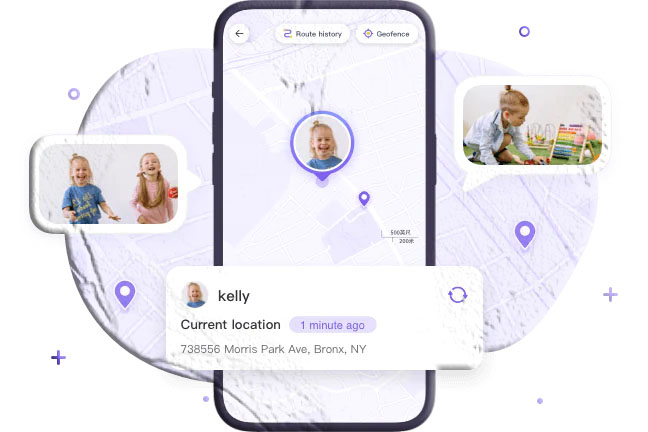
For more advanced tracking, apps like AppSpyFree Parental Control & Mobile Tracker provide GPS‑based location history along with real‑time monitoring.
Key Features
- GPS Tracking: See where the device has been and how often.
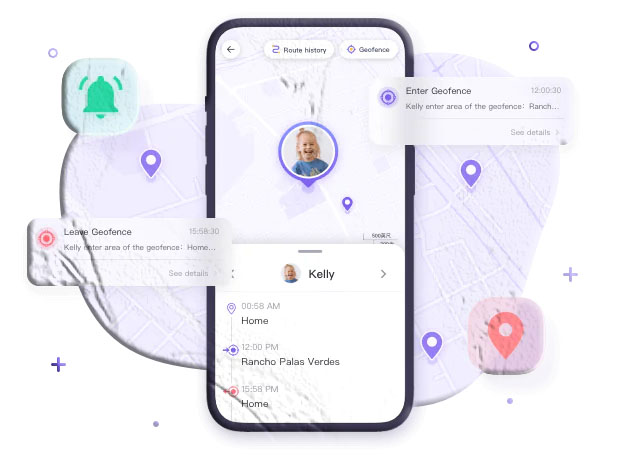
- Alerts: Receive notifications for suspicious activity.
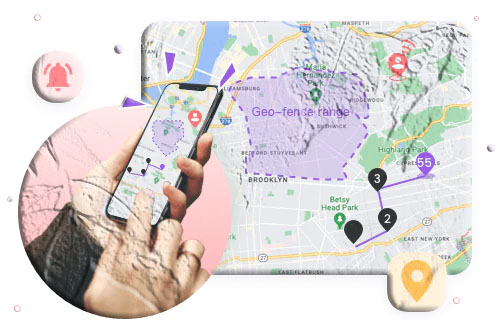
- Parental Controls: Set geofencing safe zones, manage screen time, and monitor app usage.
Setup Guide
- Download AppSpyFree Parental Control on your device.
- Create an account and log in.
- Install AppSpyFree Kids on your child’s phone.
- Pair devices using the unique binding code.
- Enable GPS tracking and customize settings.
Best For: Parents who want comprehensive monitoring with real‑time alerts.
Should Parents Track Location History of Children’s Mobile Numbers?
Tracking a child’s location can provide peace of mind, ensuring they are safe and where they’re supposed to be. It helps confirm school attendance, monitor after‑school activities, and prevent risky behavior.
However, it’s equally important to respect privacy. As children grow older, parents should foster open communication and explain why tracking is used. Transparency builds trust and ensures monitoring is seen as protection, not control.
How to Keep Location History Private
Location history can expose sensitive information if mishandled. To protect privacy:
- Delete history when no longer needed.
- Download and store securely if you want a record.
- Use trusted apps that guarantee data security.
- Adjust settings to limit unnecessary tracking.
Conclusion
Mobile numbers are more than just contact points—they’re gateways to digital ecosystems that include location tracking. Whether through Google Timeline, Apple Significant Locations, or mobile tracker apps, you can access location history safely and effectively.
But remember: privacy and legality matter. Always track your own device or your child’s device with consent. Used responsibly, these tools empower parents and individuals to stay safe without crossing ethical boundaries.
FAQs
1. Can I track someone’s location history without their consent?
No. Doing so is illegal and unethical. You can only track your own device or your child’s with consent.
2. Does Google Timeline work if Location History is off?
No. You must enable Location History in Google Settings for data to be recorded.
3. Is Apple’s Significant Locations secure?
Yes. The data is encrypted and stored locally on the device, accessible only with your Apple ID.
4. What’s the advantage of using a tracker app over Google or Apple?
Tracker apps provide real‑time monitoring, geofencing, and alerts, which built‑in features don’t offer.
5. How often should parents check location history?
Occasional checks are best. Over‑monitoring can harm trust, so balance safety with respect for privacy.